Cats vs Dogs: Medieval War in Minutes with Virdit
Turn one epic concept into a cinematic short—music-paced shots, continuity, and export—without a timeline editor.
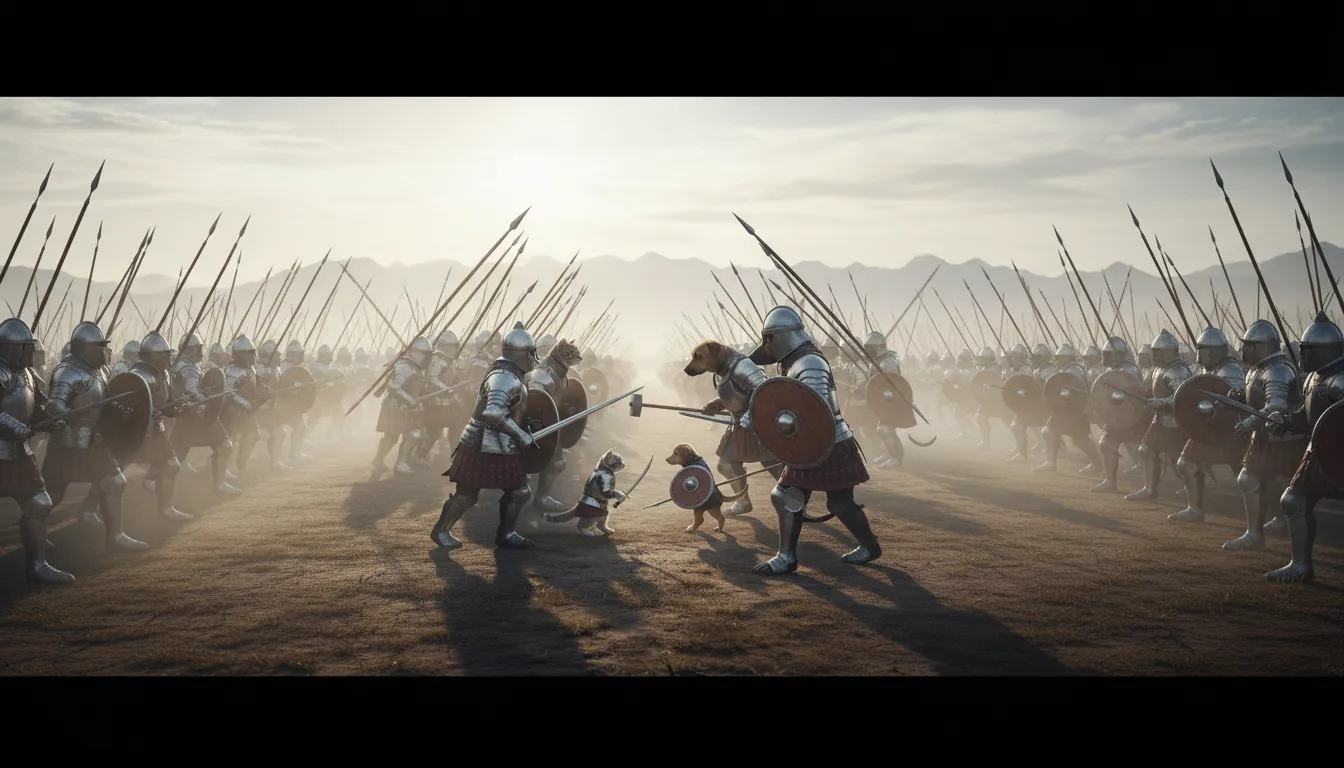
Cats vs Dogs: Medieval War in Minutes with Virdit
Epic idea, zero time: a solemn medieval battlefield at dawn, cats and dogs facing inherited destiny, and a slow-motion clash that feels legendary—not random.
Virdit helps you keep continuity, pacing, and cinematic structure while you focus on the concept and vibe.
The Problem: Epic Concepts Fall Apart in Editing
- You need a consistent visual theme (or it looks like random clips)
- You need intentional shot rhythm (or the story feels flat)
- You need continuity (same world, same characters, same tone)
- You need music-aware pacing (or the epic moments don’t land)
Start With Music (So the Film Has a Pulse)
This concept becomes 10× better when shots are paced by music. Upload a ~30s music clip first, then generate shots based on the track’s energy.
Music workflow (recommended)
- Upload ~30 seconds of a music file (cinematic / solemn works best)
- Select Music Shots
- Choose Balanced or Cinematic for the most consistent results
Consistency: Lock the Same Characters Across Shots
If you want the kitten knight and puppy squire to stay consistent across every scene, use reference images. This is the fastest way to prevent random character changes.
1) Upload 1–4 Reference Images
- 1 image is enough for a strong baseline
- 2–4 images work best if they show different angles (front / 3⁄4 / side)
- Keep lighting + style similar across references (don’t mix anime + realistic photos)
- If you have two characters, include both so the model learns the pair
2) Reference Images Only Work With These Models
Reference-image consistency is currently supported only in these generation modes:
- Video Shots model
- Balanced model
- Cinematic model
Copy/Paste Prompt (Full Cinematic Script)
Use this as your main prompt. It’s long on purpose—it locks tone, world, gear, camera language, and rules (no text, no narration).
The 5-Minute Workflow (Music → Shots → Export)
- Minute 1 — Upload ~30s music + (optional) 1–4 reference images
- Minute 2 — Select Music Shots and choose Balanced or Cinematic
- Minute 3 — Paste the prompt and generate paced shots + continuity
- Minute 4 — Re-roll only the weakest shot (keep the rest for continuity)
- Minute 5 — Export and post
Story Beat Order (So It Has a Real Arc)
- Setup (0–2s): wide battlefield, fog, sunrise, armies in formation
- Stare-down (2–6s): eyes behind armor, paws in dust, straps tightening
- Clash (6–10s): measured impacts, silhouettes, dust + motion blur (not brutal)
- After-beat (10–12s): silhouettes, weapons lowered, sunrise resolves the scene
Make It More Viral (Without Ruining the Tone)
- Open with fog + formation in the first 1–2 seconds
- Cut on a clear music moment (drum hit / swell) when they step forward
- End on a hard cut to black right after the strongest impact beat